
Add Page Numbers to PDF
Add stylish page numbers to your PDF — customize position, format, font size, and color
Drop your PDF here
or click to browse
Max 200MB • PDF only
👁️ Live Preview LIVE

Add Page Numbers to PDF Online Free
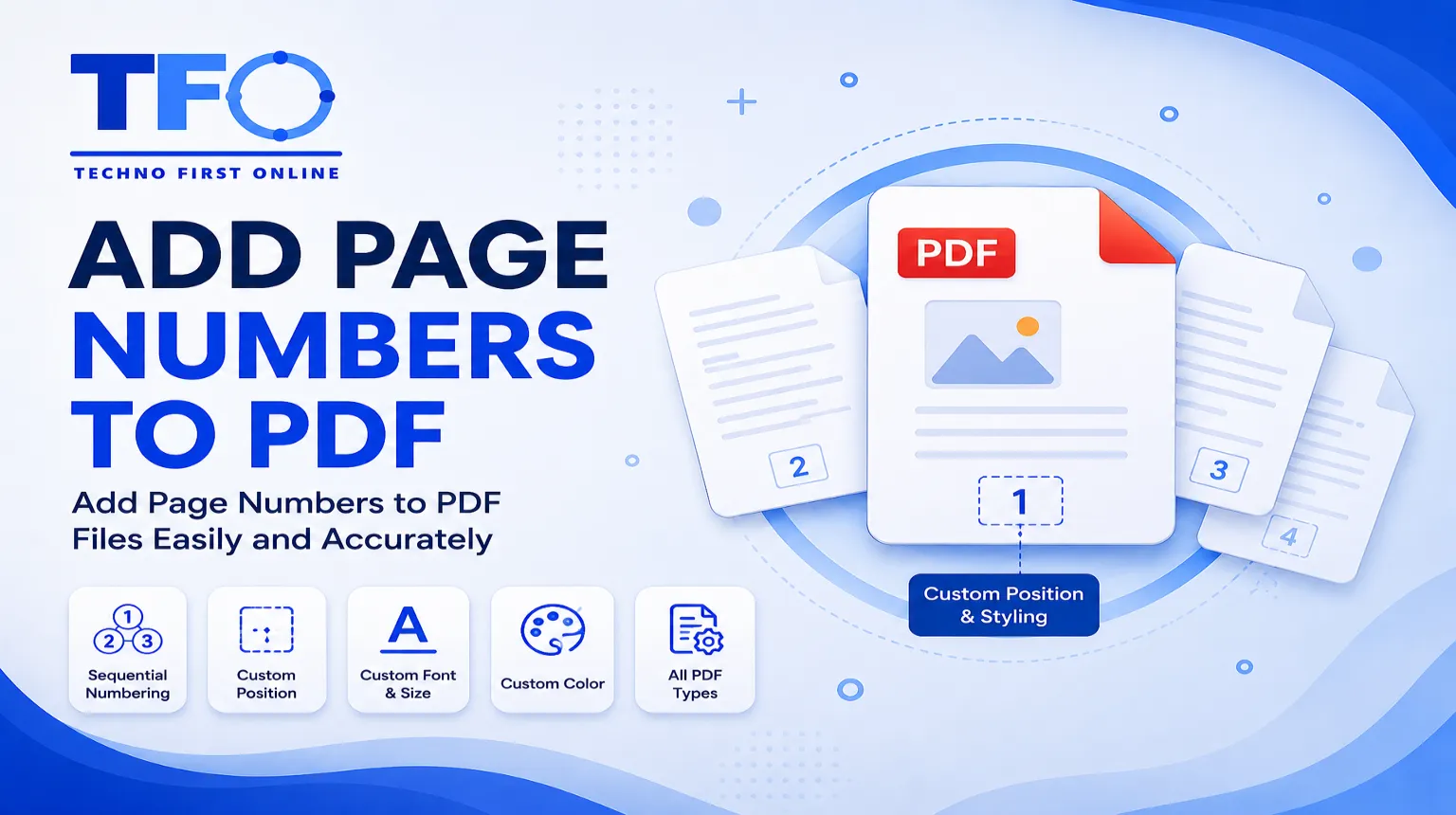
Insert PDF Page Numbers
Organizing digital documentation efficiently is a core requirement for academic researchers, corporate professionals, legal advisors, and digital content creators. Frequently, when compiling multi-page reports, combining independent scanned notes, or generating official business invoices, your final document lacks cohesive page sorting. Handling an unnumbered corporate document looks highly disorganized and complicates reference pointing during team audit sessions or remote digital presentations. Using the Technofirstonline PDF Page Numbering script module, you can seamlessly insert clean layout coordinates and manage page number in pdf files directly using your default web browser workspace. There is absolutely no structural need to go through bloated desktop application setups or handle mandatory user registration signups. It offers an instantaneous, secure, and fluid approach to professionalizing your files on any device.
Why Do You Need to Add Page Numbers to PDF Files?
Adding clear, sequential numbering structures to a messy document provides multiple administrative and professional benefits. It transforms raw, scattered text elements into a perfectly structured corporate resource.
Professional Document Compliance: Legal briefs, academic theses, and corporate accounting balances strictly require structured indexing. Having a clear page number a pdf guarantees compliance with industry formatting manuals.
Easy Reference Mapping: During extensive business meetings or university review panels, saying “please refer to page number 14” is infinitely faster than making teammates scroll blindly through unorganized sheets.
Streamlined Multi-Page Printing: If physical copies of an unnumbered document are accidentally dropped or shuffled, restructuring the paper sheet network becomes a painful puzzle. Proper numbering eliminates this problem entirely.
Enhanced Document Indexing: Creating an accurate Table of Contents or a structured index page is practically impossible unless your underlying document has an active page number add in pdf framework.
Premium Features of Our PDF Page Numbering Tool
Our utility architecture is custom-built to deliver complete operational flexibility, lightning-fast processing speeds, and maximum font rendering safety.
1. 100% Free with Unlimited Layout Processing
Unlike premium document editors that demand costly enterprise subscriptions just to insert page number in pdf files, our tool offers full system access completely free. You can process heavy documentation without experiencing hidden premium popups or forced watermarks.
2. Custom Positioning and Formatting Options
Our platform does not restrict you to a rigid layout template. You can easily choose whether to insert page no in pdf files at the top header zone or the bottom footer margin area. Additionally, you can select whether to align your numbering left, right, or perfectly centered.
3. Smart Formatting Styles
Whether you want a simple numeric sequence (1, 2, 3), a professional range layout (Page 1 of 10), or custom branding text coordinates alongside the digit parameters, our system processes everything smoothly. It gives you comprehensive layout freedom to match your corporate identity rules.
4. Reliable Security and Private Protocols
We enforce an absolute zero-retention data protection mechanism across our cloud server grid network. Your sensitive accounting data, internal corporate briefs, and college research files are fully guarded via end-to-end SSL data encryption transfers and are wiped completely within an hour.
How to Add Page Numbers to PDF Online for Free (Step-by-Step)
Configuring your document’s sequential system is extremely simple and requires no expert web styling knowledge. Follow these simple steps:
Upload File: Drag your target file or click the primary console element to introduce your document to Technofirstonline.
Configure Preferences: Select your desired position (Header or Footer) and define your optimal text alignments across the interactive preview panel.
Define Digit Style: Select the specific numbering syntax layout that best fits your target formatting guidelines.
Process Numbering: Click the primary “Add Page Numbers” action button to let our cloud scripts calculate and overlay the text strings safely.
Save Your File: Hit the download execution control to fetch your newly indexed document straight to your laptop or phone storage.
Add Page Numbers Without Affecting Your PDF Layout
Basic text applications often struggle to preserve document alignment layers when modifying underlying system parameters. Our system handles these technical operations smoothly:
Add Header and Footer to PDF Dynamically
A major technical advantage of our platform is the ability to merge alphanumeric parameters. This means you can add numbering to pdf structures while simultaneously stamping a corporate title, author marker, or version code into the margin spaces, creating an integrated look.
Clean Processing Without Text Distortion
When traditional web plugins force-inject page layouts, they often shift the underlying content margins, which can cut off lines or break active tables. Our engine calculates whitespace variables accurately, adding clear elements without disturbing your text layouts or breaking original font styles.
TechnoFirstOnline vs Traditional PDF Editing Methods
Many power users attempt to manage indexing manually using standard word processors or browser printing tools. A direct comparison reveals significant structural limitations:
| Formatting Capability | Local Word Processing Software | Technofirstonline Online Tool |
| Operational Speed | High manual setup steps | Fast automatic cloud indexing |
| Font Preservation | Risk of substituting unknown fonts | Retains 100% original text styling properties |
| Hyperlink Security | Often breaks embedded text links | Keeps all embedded hyperlinks fully intact |
| Multi-File Adjustments | Difficult to coordinate after merges | Processes integrated file systems instantly |
| Cross-Platform Fit | Limited by specific operating systems | Works perfectly on Android, iOS, Windows, and Mac |
Reliable Page Numbering with Document Integrity
Our tool adds page numbers directly to your PDF while preserving the document’s original quality and structure. Text remains searchable, images stay sharp, and the overall layout is maintained exactly as intended. Whether you’re working with reports, manuals, contracts, or eBooks, the final PDF remains lightweight, professional, and easy to share across devices and platforms.






Frequently Asked Questions
You can use the Technofirstonline PDF Page Numbering Tool to upload your document, choose your preferred position and text font style, and save the newly numbered file instantly without paying any subscription fees.
Yes, document protection is a foundational pillar of our platform. All data transmission streams are fully shielded by end-to-end SSL encryption protocols. Our cloud servers automatically run a total data sweep to delete all files permanently within an hour of use.
Absolutely. Our interactive options canvas lets you place your numbering strings in six distinct layout positions: across the top left, top center, top right header zones, or along the bottom left, bottom center, or bottom right footer margins.
No. Our utility performs clean annotation adjustments to the document structure without compressing images or shifting your existing text layouts. Your downloaded document will retain its original high-resolution clarity and vector styling perfectly.
Yes, our platform features a fully responsive design framework. It runs smoothly on all mobile platforms, including iOS and Android devices, using any standard mobile browser without requiring external application downloads.
According to the global document standards governed by the official ISO Standard for PDF Architectures, the page orientation parameter is controlled by an internal directory node known as the /Rotate tag. Primitive editing applications try to re-render the entire visual layer to turn a page, which degrades image resolutions and pixelates vector text properties.
Add Page Numbers to PDF Online Free – PDF Page Number #1
Add page numbers to PDF online free using Technofirstonline PDF Page Numbering Tool. Easily insert page numbers, into PDF file instantly
Price Currency: $
Operating System: All
Application Category: Utilities Application